AI-powered tools for Agile teams
on Azure DevOps
Flow metrics coaching, ceremony preparation, and team insights — built into ADO where your team already works.
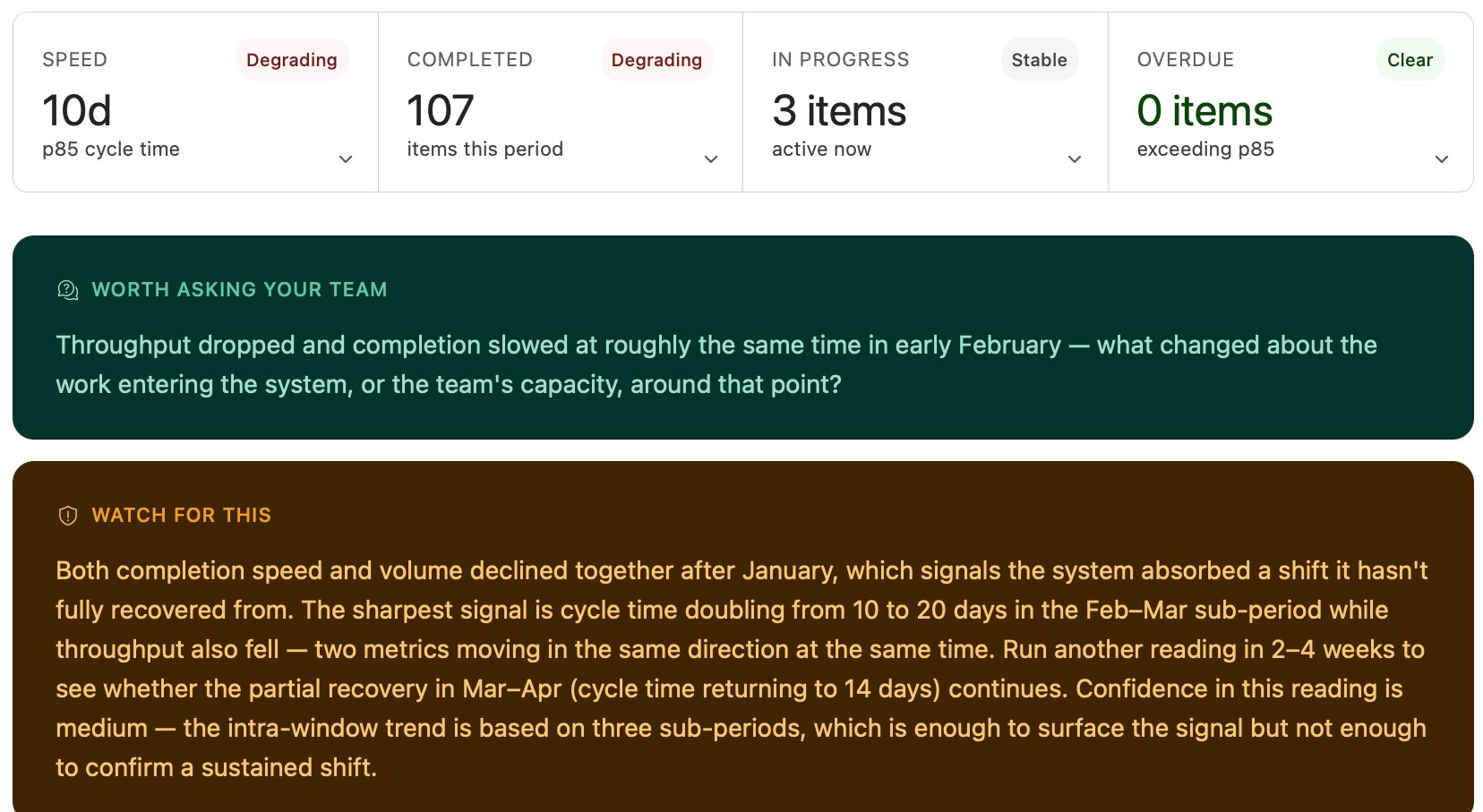
Flow metrics coaching, ceremony preparation, and team insights — built into ADO where your team already works.
AI-powered flow metrics coaching
Identifies patterns in your cycle time, throughput, and WIP — generates coaching insights your Scrum Master can act on immediately.
AI-powered ceremony preparation
Generates retro data packs, sprint review summaries, and planning briefs from your ADO data in seconds.
Get notified when available →Every analysis is computed on the fly from your ADO data and discarded when the session ends. No database, no persistent storage, no data residency concerns. Your data never leaves your control.
Two ADO scopes: vso.analytics and vso.work. Both read-only. FlowInsight extensions never write to your ADO environment.
Work item titles, assignee names, and free-text fields never leave your ADO environment. The AI receives only aggregate metrics.
Published by FlowInsight. Enterprise-grade security: pinned dependencies, automated secret scanning, vulnerability auditing, and SBOM tracking on every release.